Customizing groups
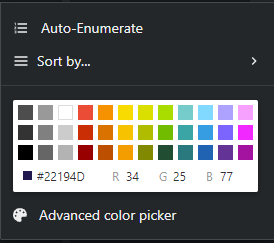
You can customize groups by changing colors, adding automatic numbering, and setting sort orders.
To customize a group:
-
In the Coordination area, click the group's edit button
 .
A new window appears.
.
A new window appears.