
Recharging the accupack
You can recharge the supplied BA 10, BA 20 and BA 30 accupacks as follows:
- using a standard USB power supply/charger
- via the USB port of a computer
- via a USB hub with its own power supply
- via a mobile USB power supply (power bank)
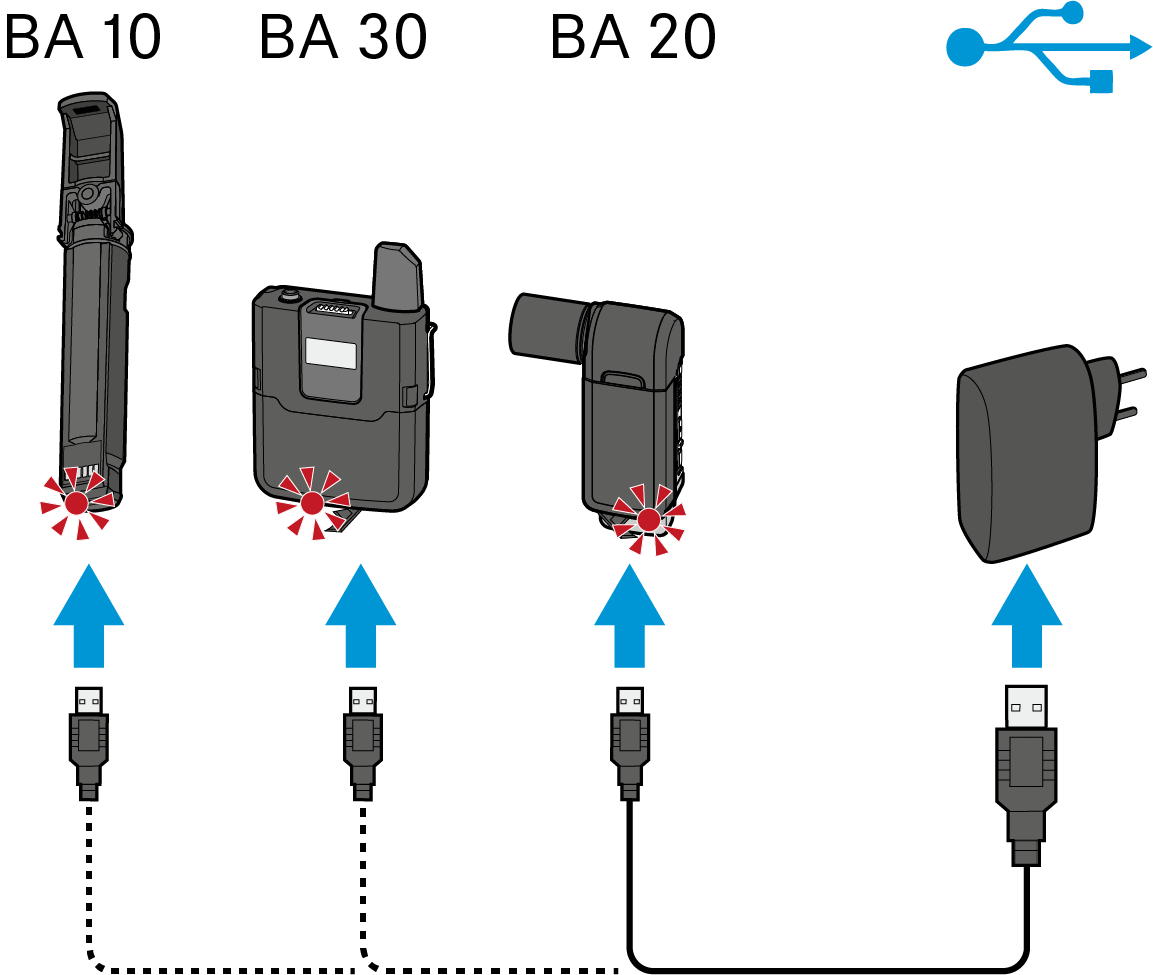
Charging the accupacks using a standard USB power supply/charger
The BA 20 accupack of the receiver and the BA 30 accupack of the bodypack transmitter can remain in their respective devices for charging.
To charge the accupack via the USB port of a computer or a mobile USB power supply (power bank):
To charge the accupack using any USB power supply/charger or a USB hub with external power supply:
Charging time
| Charging time required for a capacity of | BA 10 | BA 20 | BA 30 |
|---|---|---|---|
| 30 % | 1:00 h | 0:15 h | 1:00 h |
| 60 % | 2:00 h | 0:30 h | 2:00 h |
| 75 % | 3:00 h | 0:40 h | 3:00 h |
| 100 % | 4:30 h | 1:15 h | 4:30 h |